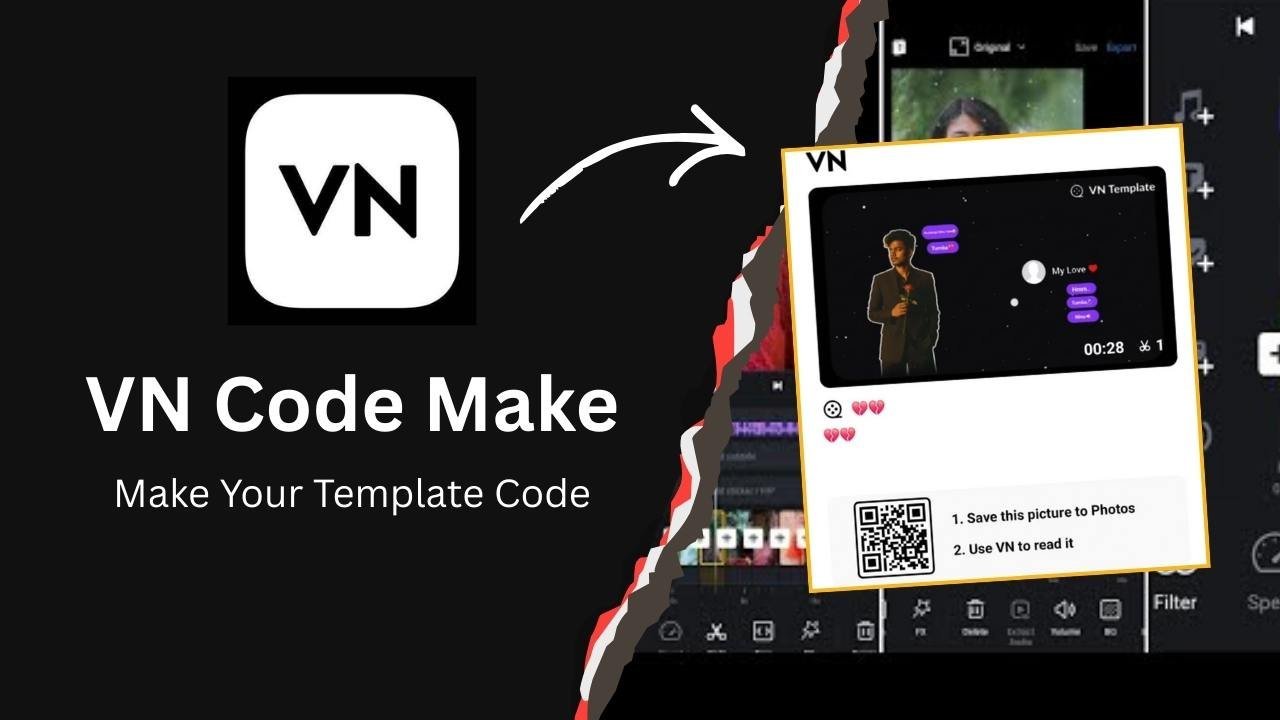
Hello friends! If you’re completely unfamiliar with video editing, don’t worry. If you’re a fan of creating Instagram Reels, YouTube Shorts, or TikTok videos, and you want to edit your photos and videos every day, and you want to see them magically edit just by adding your own photos or videos, then VN App Codes is perfect for you.
The VN Video Editor App can be a great tool, providing you with codes from an editor that can help you create videos easily. By scanning these codes, you can instantly use other users’ ready-made editing templates without having to create everything from scratch.
VN Video Editor App
VN Editor App is a free video editing application designed for beginners and content creators. It’s available on Android, iOS, and PC (Windows/Mac). It offers features like timeline editing, multi-layer support, color grading, text animation, a music library, and special effects.
The app’s interface is very simple: you start a new project by clicking the plus icon in the app, then add clips, cut them, change the speed, and export them. The free version includes a watermark, but you can remove it. This feature sets it apart from other apps.
This app was launched in 2017 and is quite popular among creators, especially under the name VN code, as it’s a boon for those who want to create viral trending videos. You don’t need to be an expert—just import the video, edit it, and export it directly.
It supports multi-track editing, meaning you can layer multiple video clips, audio, text, and effects simultaneously. For example, if you’re creating a Reel, add background music, insert transitions, and overlay text, just like you would with Capcut and other apps.
The VN app is especially popular with Instagram Reels and YouTube Shorts creators because it offers fast rendering, and the QR code feature makes template sharing easy. With over 100 million downloads, editors in India can consider it a good alternative to CapCut.
What are VN Codes?
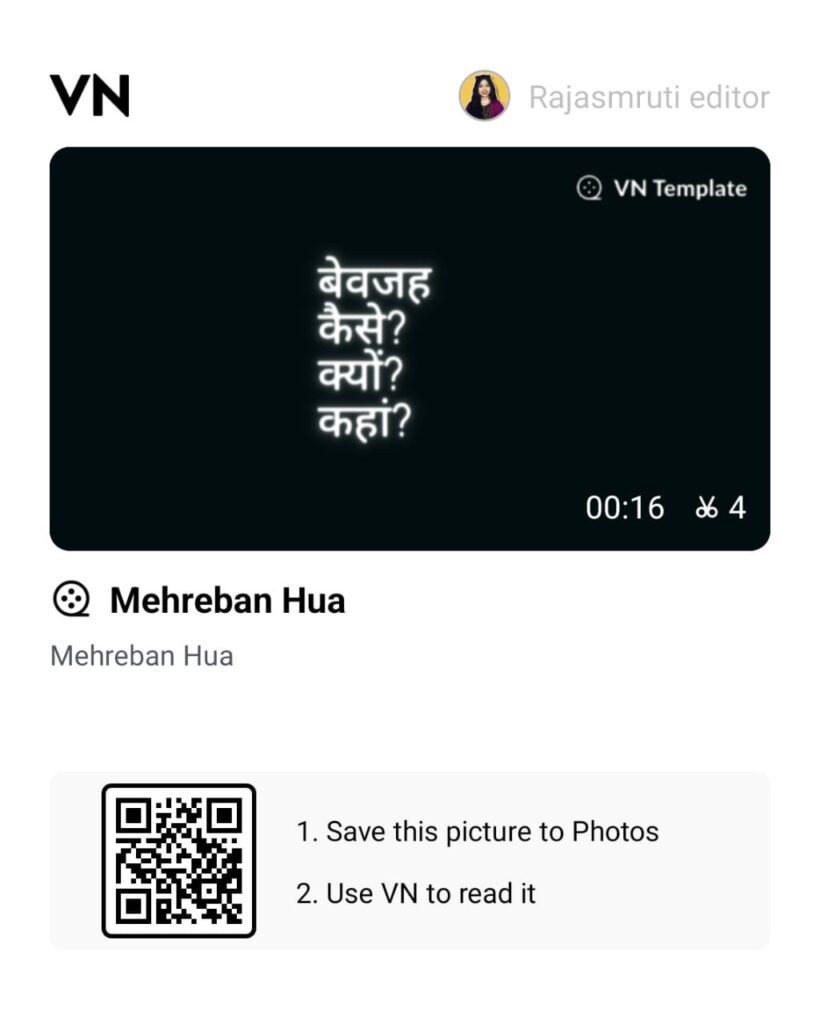
VN Codes, simply put, are ready-made editing presets or templates that Instagram creators share with their audience. VN Codes are special QR codes in the VN app that editors use when sharing their edits. Only the person who edited and shared the edit can use them by scanning the QR code provided. Sharing templates, videos, music, sound effects, fonts, stickers, or LUT filters is usually done through video.
When an editor creates a project, they convert it into a VN Code and then share it with friends and social media handles. You can scan the code and create your own, replacing the photo or video with the original editing code.
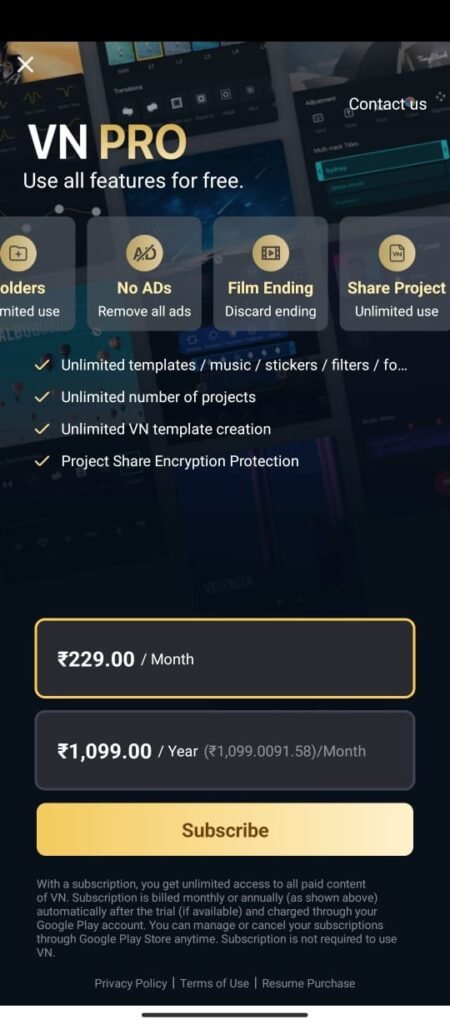
These codes only work within the VN app, and Pro subscription users can easily create them.
How do VN Codes work?
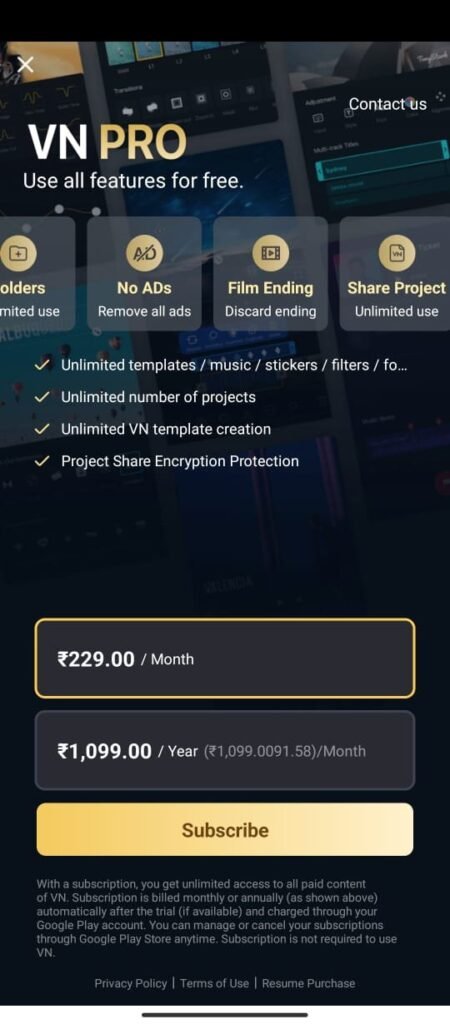
Projects created using the VN code editor also contain images and videos. Any user can export them to create similar videos by modifying them. To create a VN code, you must purchase VN Premium, only then can you create unlimited VN App Codes.
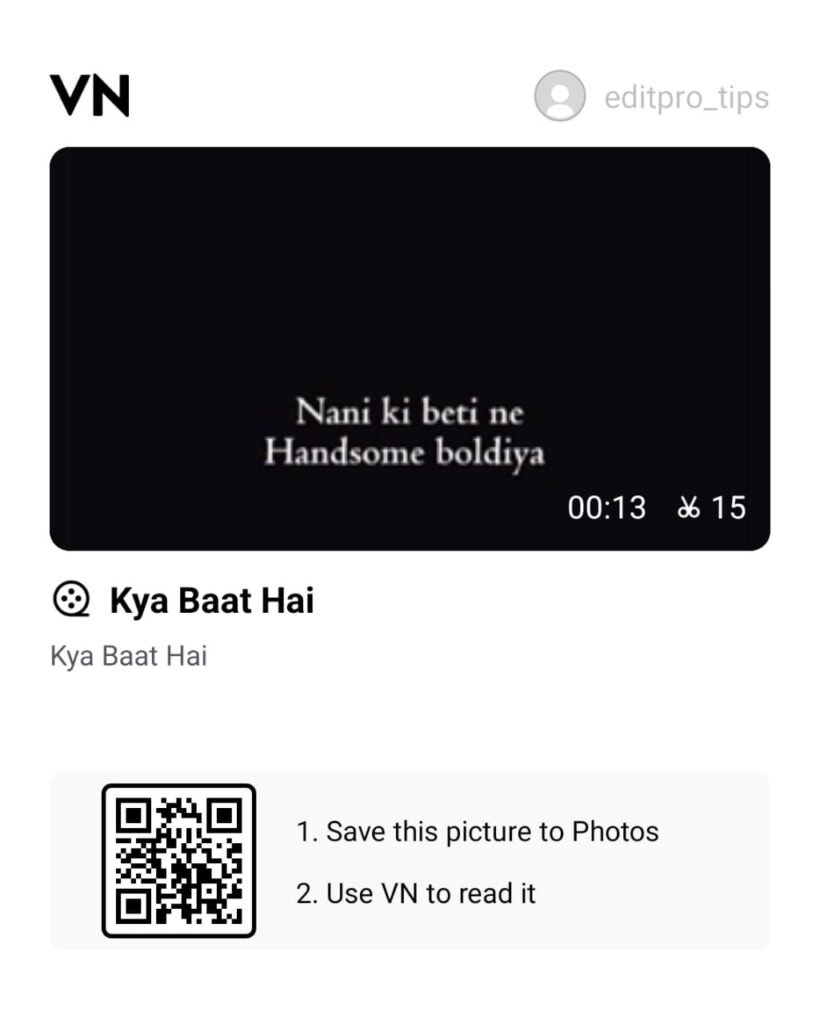
If you want to export your project as a VN code, let’s see how you can extract the VN code.
Step-by-step process for creating VN Codes?
- Open the VN app and start a new project (clicking “+”).
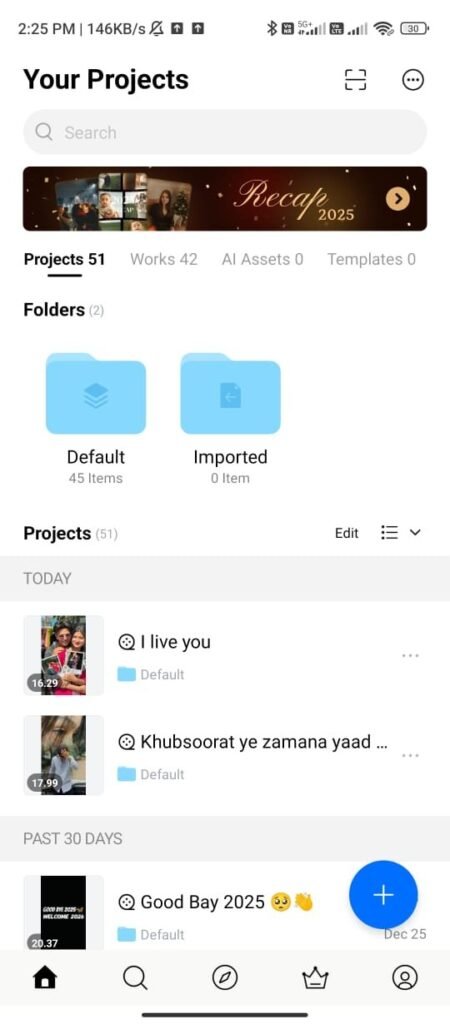
- Add your clips, music, and effects to create an editing project using images and videos.
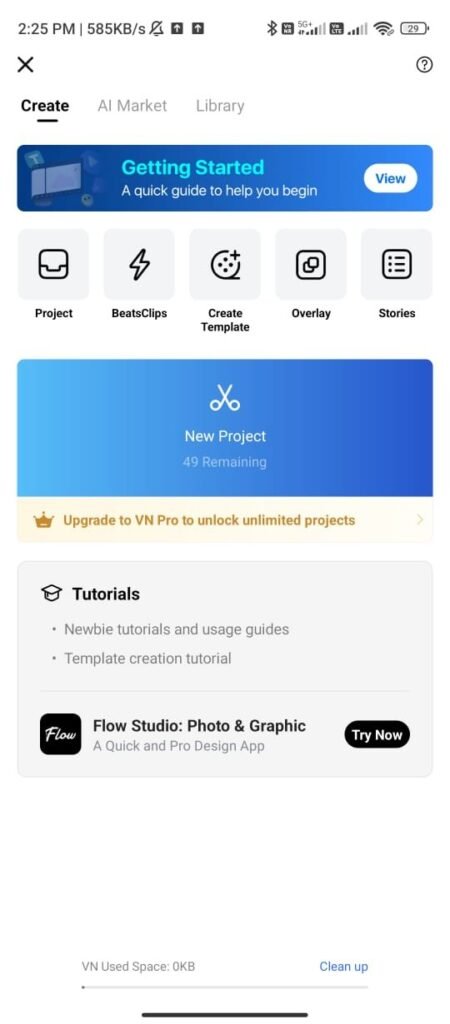
- You can add songs based on what’s trending.
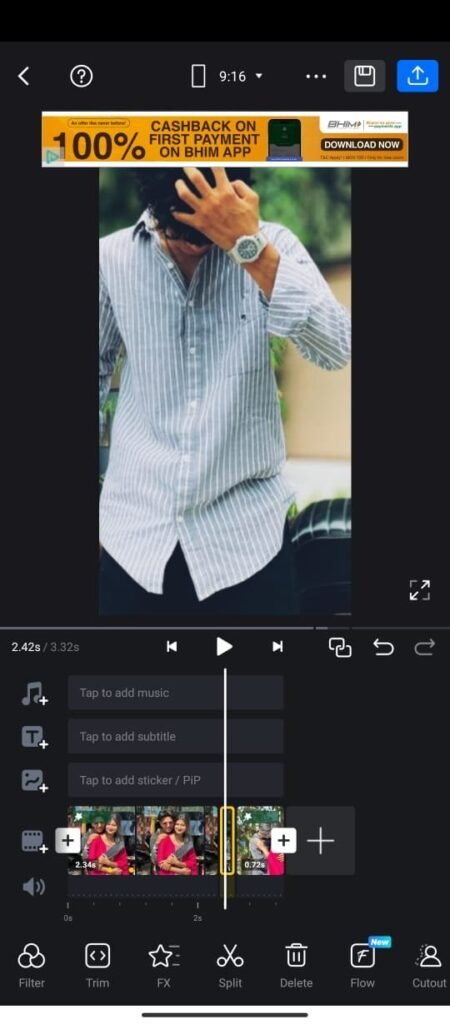
- Now, click the Export button and select the quality you want to export.
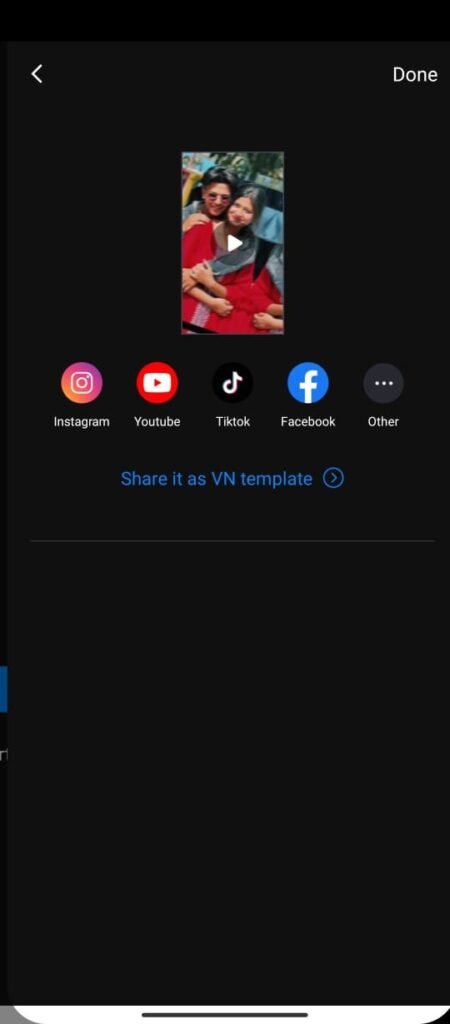
- Once the export is complete, click the ‘Save it as a VN Template’ option.
- Then select the photo or video you want and click Next.
- Now you have to give the name and description of your VN Template and if you want to keep the cover of VN Code TechSCX, you can keep that too which will be visible on the VN Code.
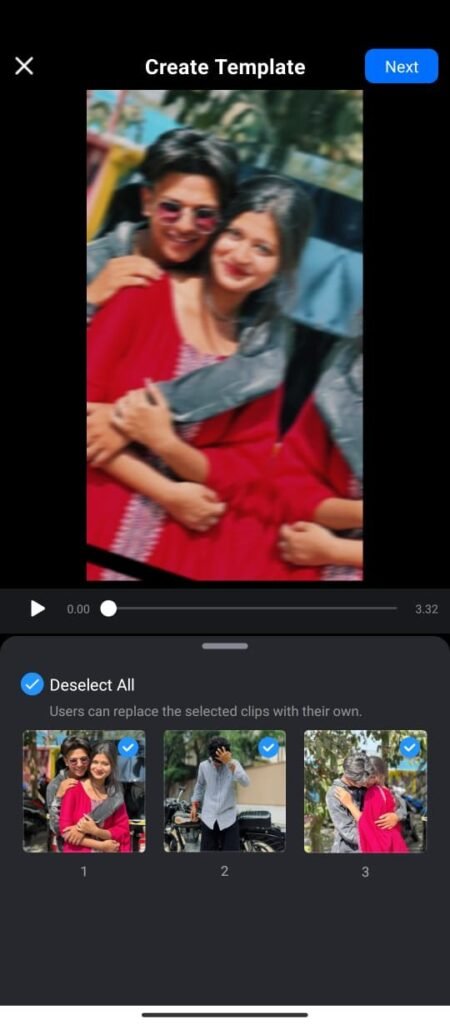
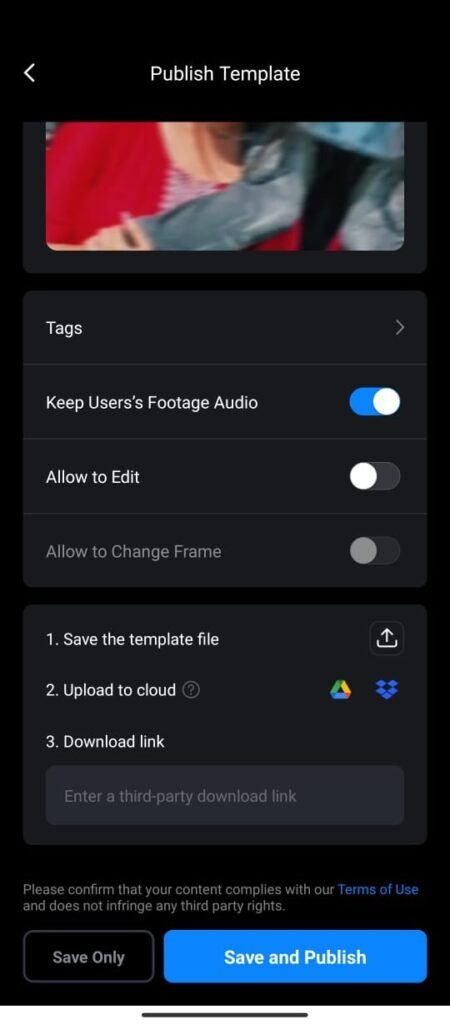
- Keep Users Footage Video option on and if you want you can also turn on the Video Edit option, however not all VN Codes provide the Advanced Edit option, only the option to edit photo, video and text in the template is available.
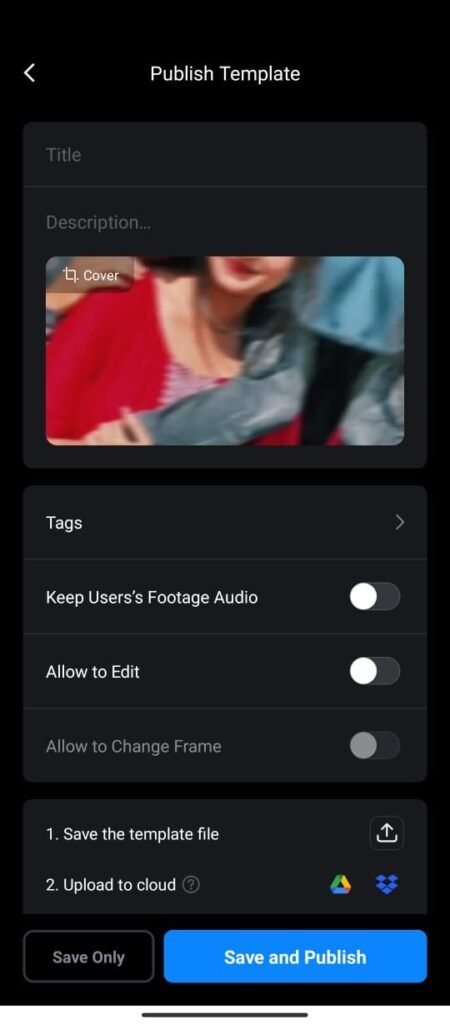
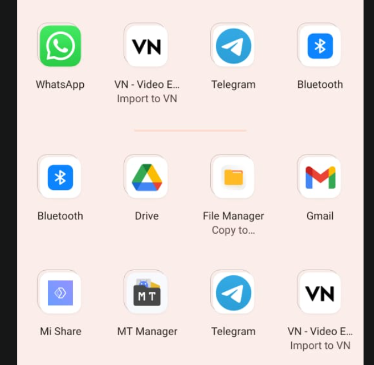
- VN Code Techscx has to be saved in Google Drive, for this click on Save the template file and select Drive.
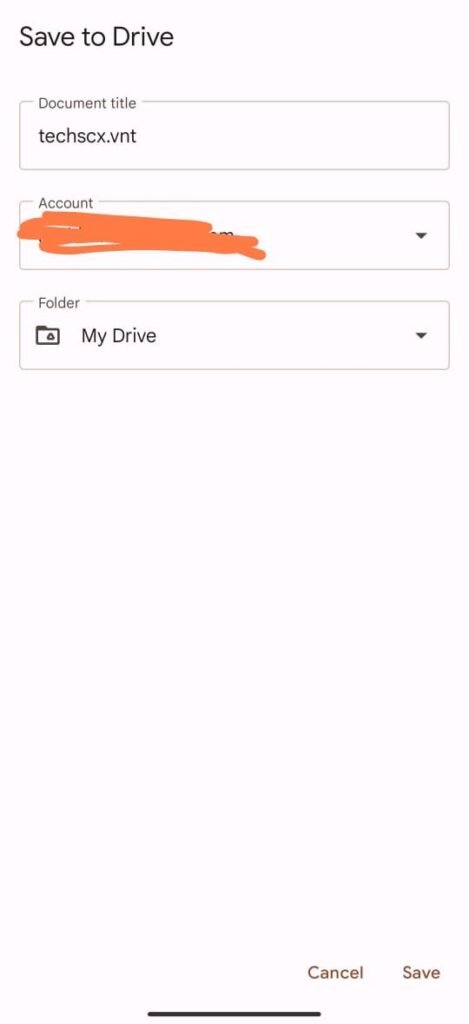
- Select Email ID here in Drive and save it. Then you have to change the file from Private to Allow access public so that everyone can download and use your VN Template.
- Then you have to copy this VN App TechSCX VNT File and go to VN App and paste it in Download Link.
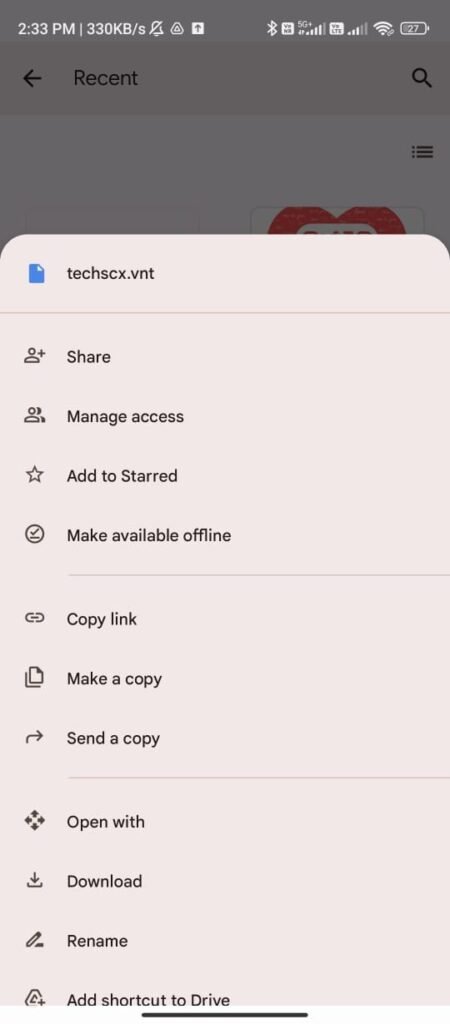
- Click on ‘Save and Publish’. If you have not done VN App Premium, then you will be able to create VN code only after getting it otherwise it does not work in the free version.
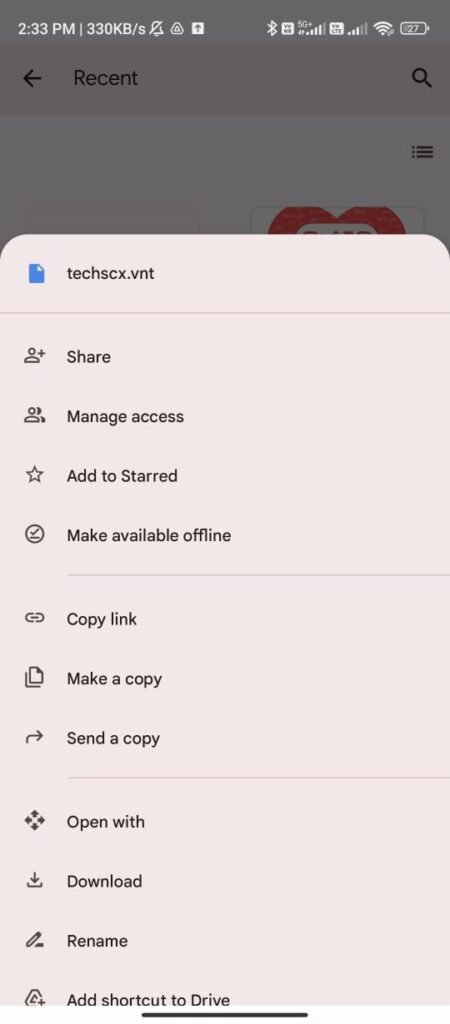
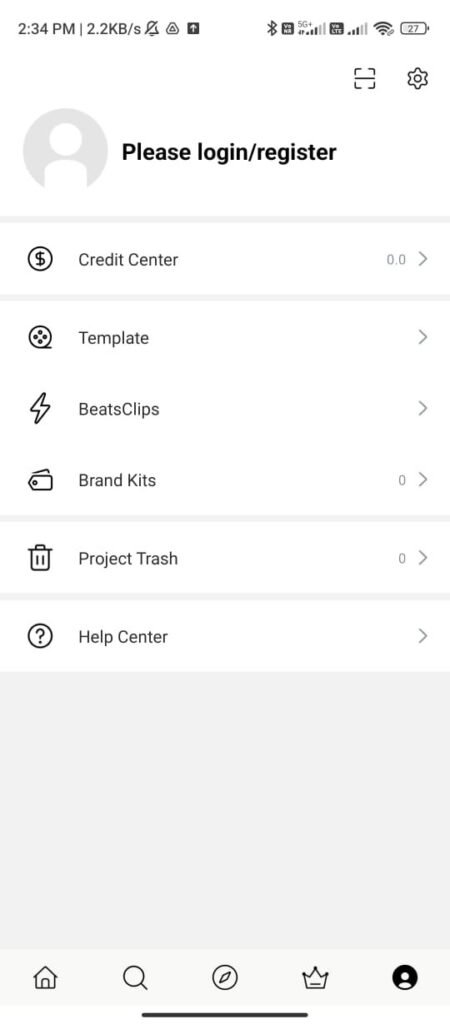
- Once you publish the VN code, then go to VN App home page – Account and in the Template option, click on the option named My Creation. All your VN Projects have been created in the Template.
Conclusion
You can edit videos at lightning speed with VN Codes sushilprotips.com/, and even faster, you can create videos with a single VN Code, and even post them as statuses and posts on Instagram and WhatsApp. You can share the codes with friends, or if you prefer, they can easily share their projects with you.
You can create trending Reels by following a few simple steps. VN Codes are in a QR code format that can only be used within the VN app. So, you can use a template by clicking on the VN app’s Scanner and adding a screenshot or downloaded template code.
FAQs
What is a VN Code?
VN Code is a VN Video Editor app that provides ready-made templates, effects, music, and transitions, or a medium for sharing editing projects. You can create VN Codes by editing photos and videos with the same effects and songs.
How to Create a VN Code?
After editing the project, click on Export and Save as Template. Save it to Google Drive. Add a link to it. Publish. The template code will be generated. Download it and share it with your friends.
How to Use a VN Code?
Click the “Scan” icon in the VN app, select the QR image from the gallery, download it, and press “Use Template.” Export your video ad.
Can Free Users Use VN Codes?
Yes, any free user can use the code using the VN app, but to create a VN Code, you must subscribe to a premium subscription.


Template
Template
Check in Article QR code hoga uska screenshot lekar VN app me scanner me Add krke Template download krke image add karke create kr dena hai simple 🙂